Editor tab
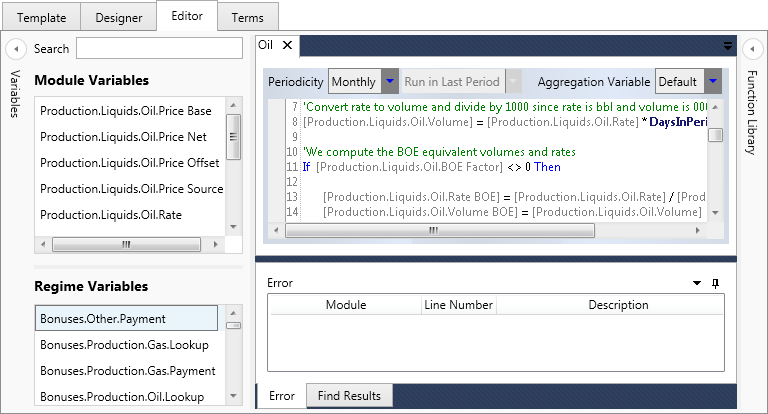
The Editor tab is used to edit module code and define variables. When the Editor tab is selected, the Editor button tab appears on the ribbon (see Editor).
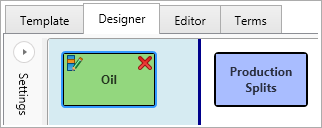
To open a module in the Editor, you must select it in the Designer tab and click the Edit Module button
 at the top
left corner:
at the top
left corner:
These are the components of the tab:
- The Variables panel shows the list of module and regime variables (see Variables).
- The Logic Editor is the central area where modules are opened for editing (see Logic Editor).
- The Error panel at the bottom of the screen displays details of any errors in the module code (see Logic Editor).
- The Find Results panel shows search results when you use the Search functions on the ribbon. (see Logic Editor).
- The Function Library panel lists available functions and brief descriptions of how they work (see Function Library).